Background
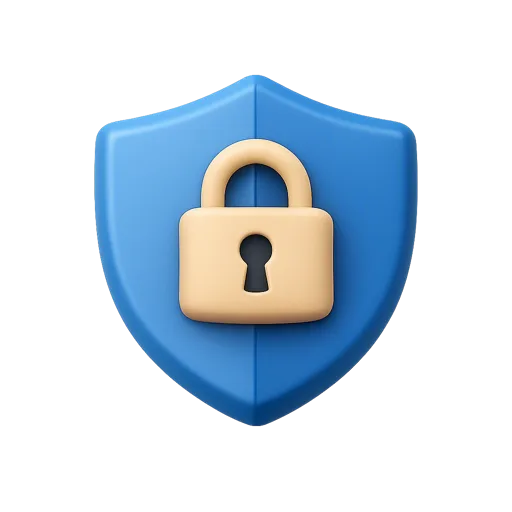
Privacy Shield Free 3D Icon
License: Free for personal and commercial purpose with attribution. More info
Attribution is required.
A premium front-facing Privacy Shield 3D icon designed for modern UI projects. Ideal for security dashboards, login flows, data protection features, and privacy settings. This free to download 3D UI icon offers a clean, non-isometric style that fits apps, websites, and software interfaces.
The Privacy Shield icon is a front-facing 3D render with soft studio lighting, gentle shadows and a silhouette that stays readable from a hero section down to a 48-pixel UI slot. It ships as a transparent-background PNG, so it drops in without masking or background removal.
People put the Privacy Shield icon to work in security dashboards, login flows, data protection features and privacy settings. It also appears in the Cybersecurity & Privacy pack.
Sizes on offer are 1024, 512, 256, 128, 64, 32, 24 and 16 pixels, free for personal and commercial projects with a credit to Thridy. Download it free, or request a custom variation if your project needs a different angle, colour or companion icon.