Image Compressor
Shrink PNG, JPEG and WebP without visible quality loss.
Drop your images here
PNG, JPEG, WebP and SVG, several at once. None of them leave your device.
Output
Lossless. PNG is optimised with oxipng, JPEG re-encoded with mozjpeg.
Before and after
See what changes
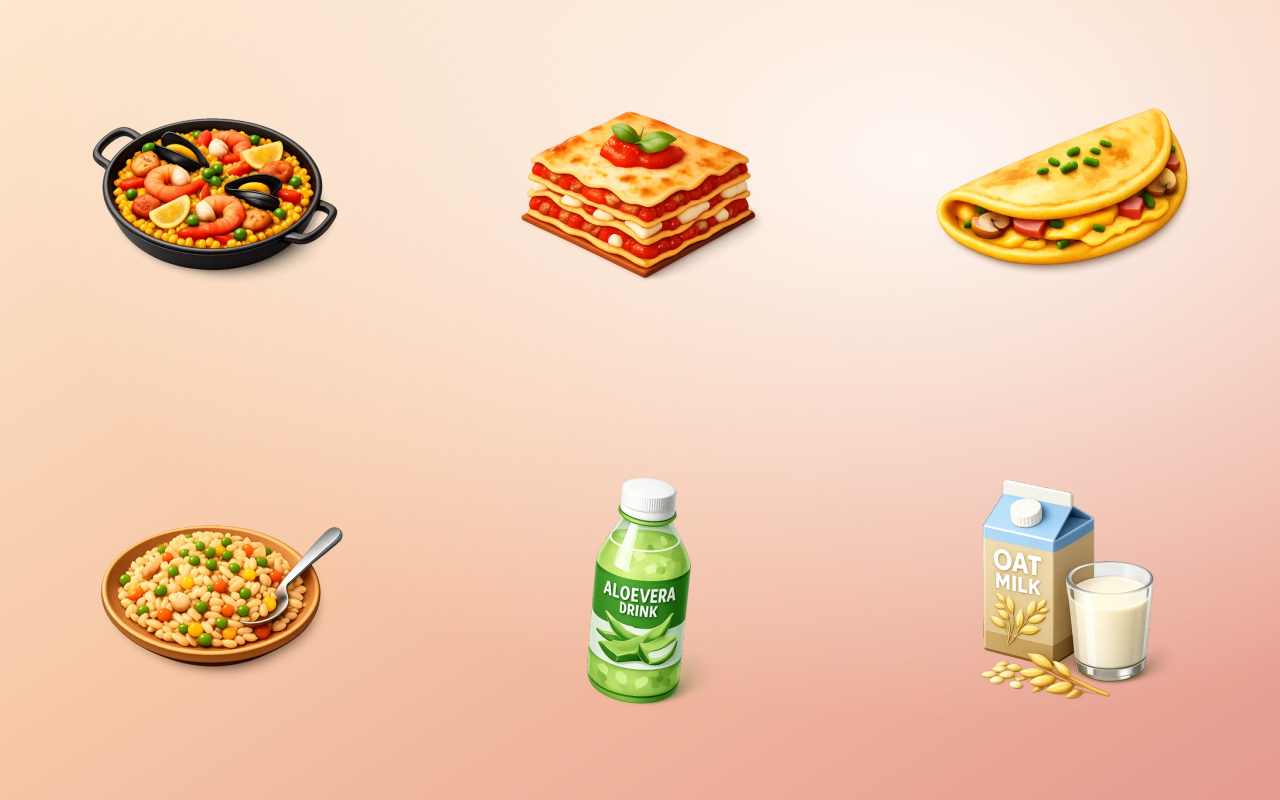 PNG, 582 KBWebP, 40 KB, 93% smaller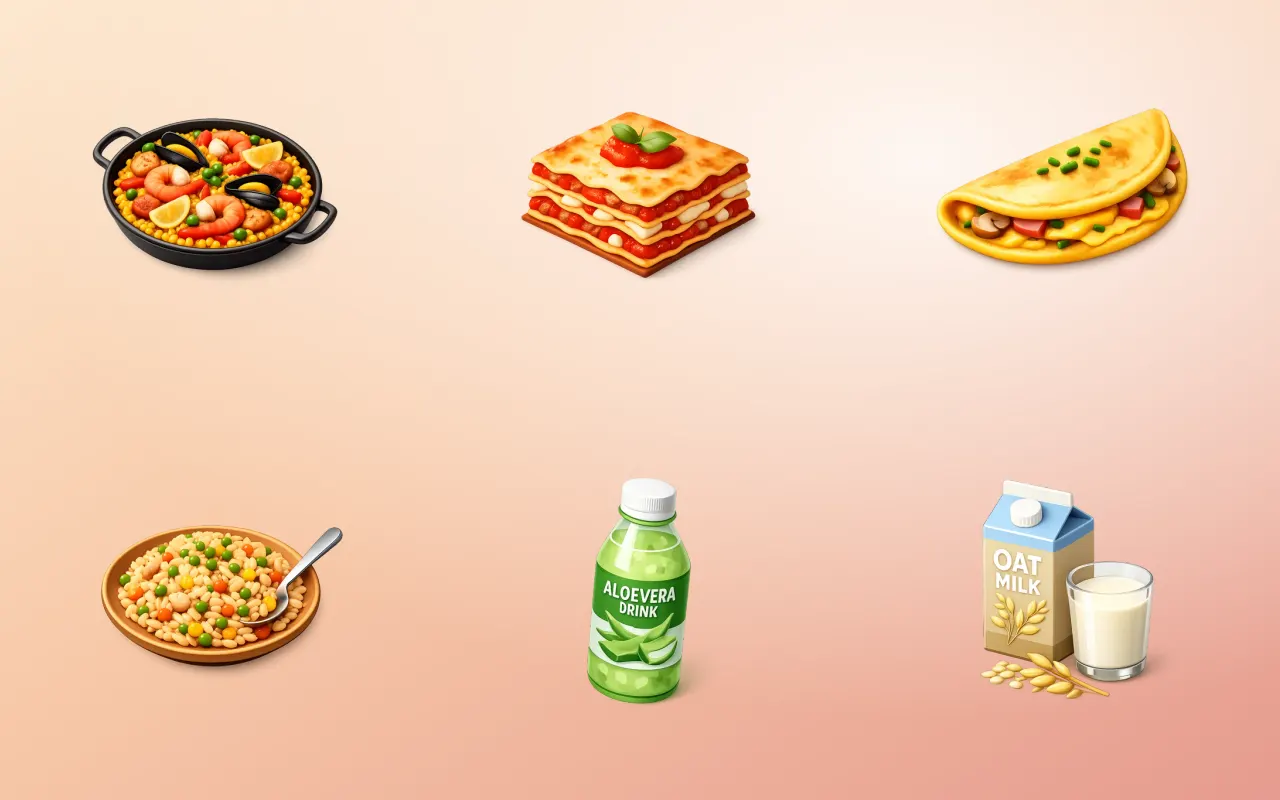
Drag the handle across the image. The right-hand side is this tool's output, not a mock-up of it.
- Before
- PNG, 582 KB
- After
- WebP, 40 KB, 93% smaller
Three steps
How to use the image compressor
- 01
Drop your images in
Add PNG, JPEG or WebP files by dragging them onto the page or picking them from your device.
- 02
Choose quality or format
Leave the default for a safe balance, or push the quality slider and switch the output to WebP for the biggest savings.
- 03
Check the saving, download
Each file shows its old and new size side by side, so you can see what you gained before you keep it.
Why this one
What makes it different
Real encoders, not a canvas re-save
Compression runs through mozjpeg, oxipng and libwebp compiled to WebAssembly, the same encoders build tools use, rather than a browser re-export that throws away control.
It tells you when it failed
A small flat graphic sometimes comes out bigger, not smaller. The result shows that honestly instead of quietly handing back a worse file.
Batches without a queue
Drop thirty files and they all process. There is no daily limit and no waiting room, because there is no server deciding who goes first.
How this tool handles your files
- Where it runs
- Your browser, not a server
- Uploads
- None, ever
- Account
- Not required
- Watermark
- Never added
The short version
About image compressor
Image weight is the single most common reason a page feels slow, and it is the easiest thing on the list to fix. A photograph straight from a phone is routinely three to six megabytes, and the same photograph at a quality nobody can tell apart is often under four hundred kilobytes. This tool exists because the usual alternatives make you upload the original to somebody else's server to find that out.
Questions
Image Compressor FAQ
How much smaller will my images actually get?
Photographs typically drop 60 to 80 percent with no visible difference, because JPEG and WebP discard detail the eye does not track. Flat graphics, screenshots and images already compressed once change far less, and occasionally grow.
Will compressing damage the image?
At the default setting the difference is invisible at normal viewing size. Compression is lossy, so repeatedly compressing the same file will eventually show, which is why it is best to compress once from the original.
Should I use WebP instead of JPEG?
For the web, usually yes: WebP is typically 25 to 35 percent smaller at matched quality and every current browser supports it. Keep JPEG when the file has to open in older software or be emailed to someone unknown.
Is there a file size or file count limit?
No imposed limit. The practical ceiling is your own device memory, since the whole image is decoded in the tab. Very large files on a phone are the only case that struggles.






Free, and staying free
The tools are free because the icons are the business.
Thridy is a library of thousands of 3D icons in one consistent style, free for commercial use with a credit to Thridy, and no account needed. The tools exist so you never have to upload an image to somebody else's server to resize it.
Keep going
More image tools

Image Resizer
Resize to exact dimensions or a preset for any platform.

Image Cropper
Crop freehand or lock to a ratio like 1:1 and 16:9.

Circle Crop
Cut an image into a perfect circle with transparent corners.

Rotate Image
Turn an image by 90 degrees or any custom angle.

Flip Image
Mirror an image horizontally or vertically.

Add Border
Frame an image with a solid border in any colour.