
JPG to WebP
Convert JPG to smaller, modern WebP.
Drop your image here
Nothing is uploaded. Everything runs on your device.
Before and after
See what changes
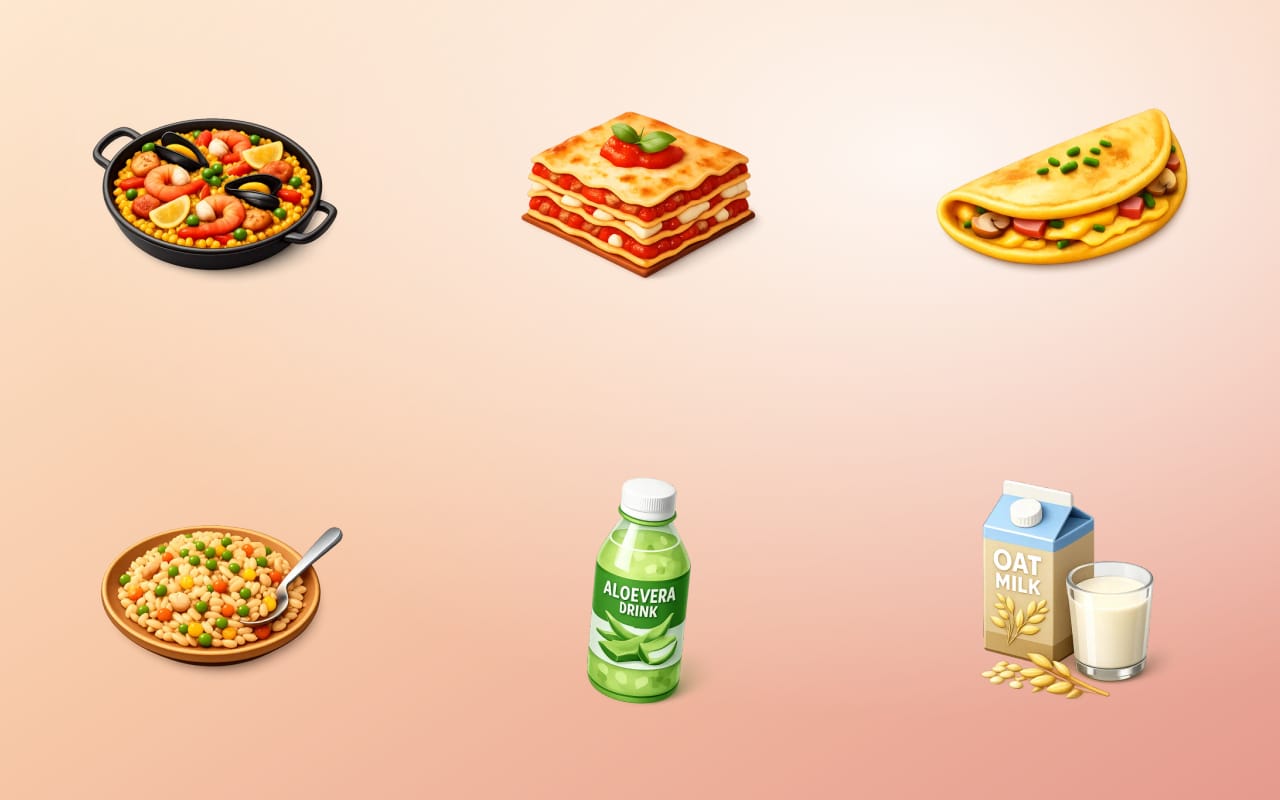 JPEG, 51 KBWebP, 40 KB, 23% smaller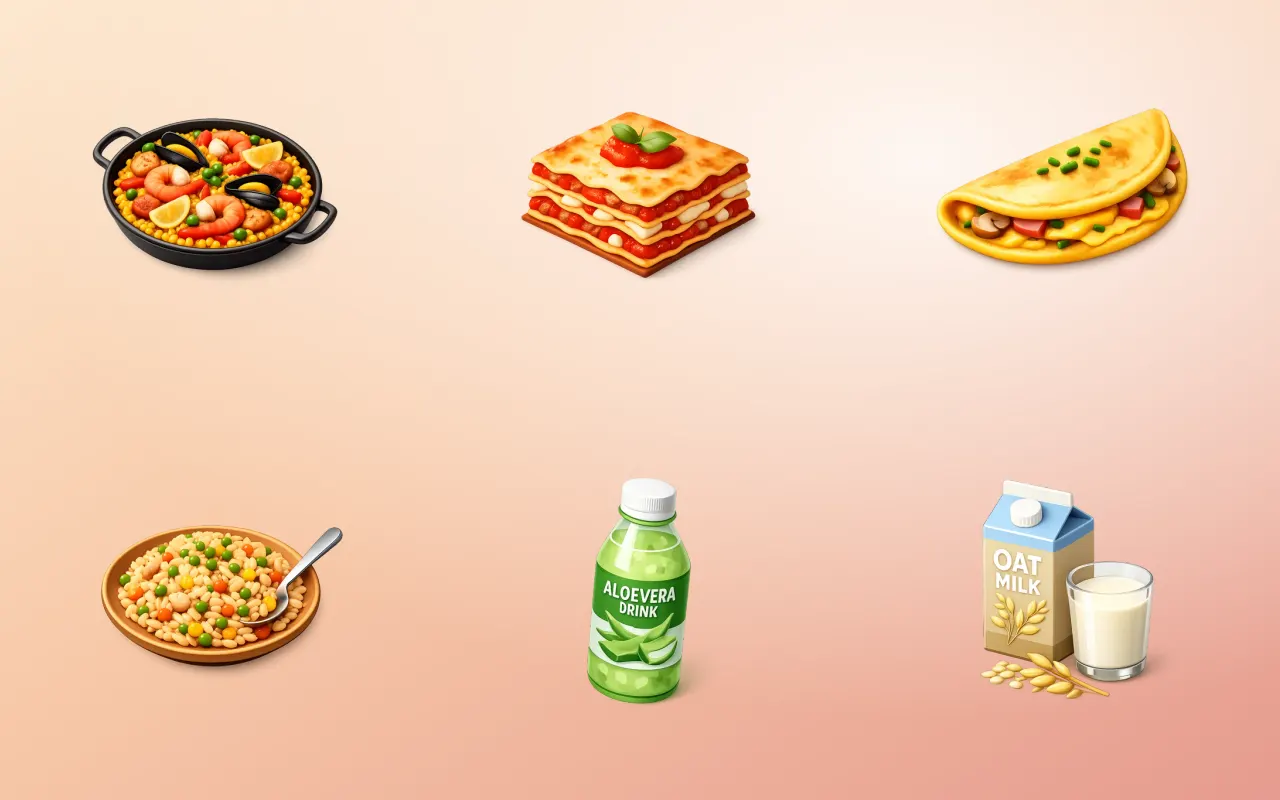
Drag the handle across the image. The right-hand side is this tool's output, not a mock-up of it.
- Before
- JPEG, 51 KB
- After
- WebP, 40 KB, 23% smaller
Three steps
How to use the jpg to webp
- 01
Drop in your JPGs
Add one or many JPEG photographs.
- 02
Pick a quality
The default matches typical JPEG quality at a much smaller size. Raise it for images with fine detail.
- 03
Download the WebP files
Use them directly on the web, where every current browser supports the format.
Why this one
What makes it different
Typically 25 to 35 percent smaller
At matched visual quality, WebP consistently beats JPEG on size, which is the single easiest page-speed win available.
Supported everywhere that matters
Chrome, Safari, Firefox and Edge have all supported WebP for years. The compatibility argument against it has expired.
Better at the hard parts
WebP handles gradients and flat areas with fewer of the blocky artefacts JPEG produces in skies and shadows.
How this tool handles your files
- Where it runs
- Your browser, not a server
- Uploads
- None, ever
- Account
- Not required
- Watermark
- Never added
The short version
About jpg to webp
WebP is the least controversial performance improvement available to a website: the same picture, a third smaller, supported by every browser people actually use. The reason it is still not universal is inertia rather than any technical objection, and the conversion itself takes seconds.
Questions
JPG to WebP FAQ
Is WebP better than JPEG?
For the web, yes, on size at matched quality, and it handles gradients with fewer artefacts. JPEG still wins on universal compatibility with older desktop software and some print workflows.
Do all browsers support WebP?
Every current browser does, including Safari since 2020. The remaining gaps are old desktop applications rather than browsers.
Will converting JPG to WebP restore quality?
No. Detail the JPEG already discarded is gone. What you gain is a smaller file at the quality you currently have, not a better-looking one.
Should I keep the original JPG?
Yes, if it is the master copy. Converting again from the original always beats converting from a converted file, since each lossy step compounds.






Free, and staying free
The tools are free because the icons are the business.
Thridy is a library of thousands of 3D icons in one consistent style, free for commercial use with a credit to Thridy, and no account needed. The tools exist so you never have to upload an image to somebody else's server to resize it.
Keep going
More image tools

Image Converter
Move between PNG, JPEG and WebP in a click.

JPG to PNG
Convert JPG photos into lossless PNG.

PNG to JPG
Convert PNG to JPG, flattening transparency to white.

WebP to JPG
Convert WebP into widely compatible JPG.

PNG to WebP
Convert PNG to WebP and keep transparency.

WebP to PNG
Convert WebP into lossless PNG with transparency.