
PNG to JPG
Convert PNG to JPG, flattening transparency to white.
Drop your image here
Nothing is uploaded. Everything runs on your device.
Before and after
See what changes
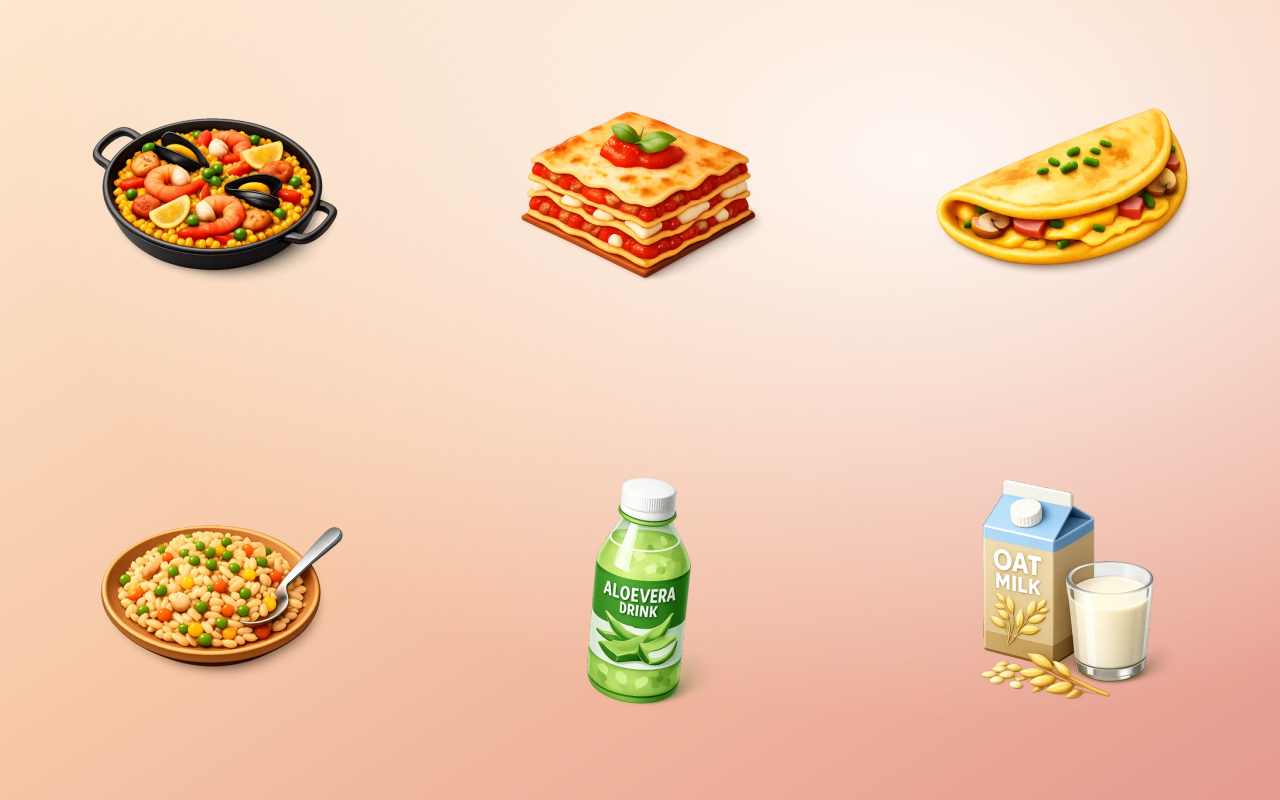 PNG, 582 KBJPEG, 51 KB, 91% smaller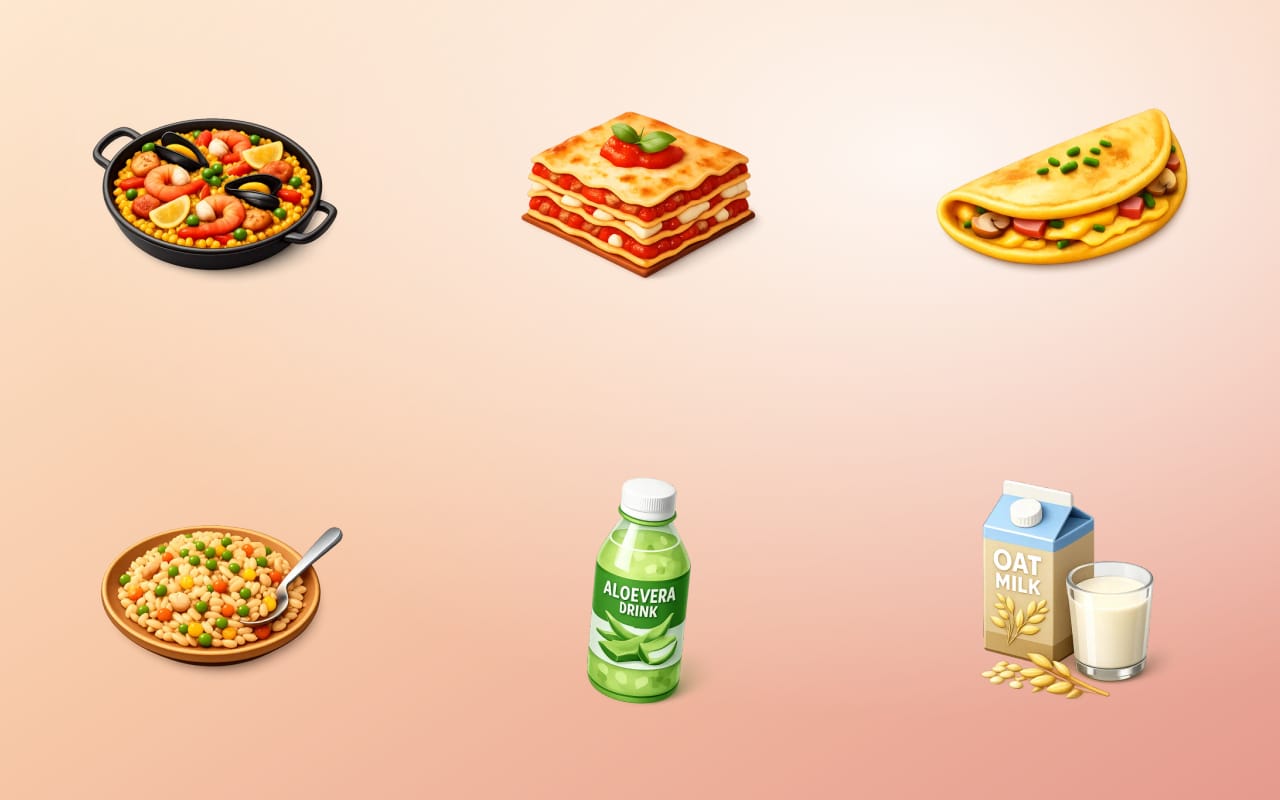
Drag the handle across the image. The right-hand side is this tool's output, not a mock-up of it.
- Before
- PNG, 582 KB
- After
- JPEG, 51 KB, 91% smaller
Three steps
How to use the png to jpg
- 01
Add your PNG files
Drop in one or many PNG images.
- 02
Set the quality
Choose how aggressively to compress. Around 80 percent is invisible for most photographs.
- 03
Download the JPGs
Any transparent areas are flattened onto white as part of the conversion.
Why this one
What makes it different
Dramatically smaller for photographs
A photographic PNG converted to JPEG routinely drops by 80 percent or more, because PNG was never designed for photographs.
Quality you choose, not a fixed guess
A single hardcoded quality is wrong for both a product photo and a background texture, so the setting is yours.
Says what will happen to transparency
Flattening is unavoidable, so it is stated before the conversion rather than discovered in the output.
How this tool handles your files
- Where it runs
- Your browser, not a server
- Uploads
- None, ever
- Account
- Not required
- Watermark
- Never added
The short version
About png to jpg
The most common cause of an unnecessarily heavy web page is a photograph saved as PNG, usually because a screenshot tool or an export dialogue defaulted to it. PNG stores every pixel exactly, which is the right choice for a logo and a costly one for a sunset. Converting to JPEG at a sensible quality typically removes most of the file with none of the visible detail.
Questions
PNG to JPG FAQ
Why convert PNG to JPG?
Almost always file size. A screenshot or photograph saved as PNG is many times larger than the same image as JPEG with no visible difference, and that weight goes straight into page load time.
What happens to transparent areas?
They are filled with white, because JPEG cannot store transparency. If the image is a logo or a cut-out, this is usually a reason not to convert it.
What quality setting should I use?
Around 80 is the standard sweet spot for photographs. Go higher for images with text or sharp edges, where JPEG artefacts show up soonest. Below about 60 the damage becomes visible.
Is JPG or PNG better for a website?
JPEG for photographs, PNG for logos, icons, screenshots and anything with transparency or hard edges. WebP beats both on size and is the better default now.






Free, and staying free
The tools are free because the icons are the business.
Thridy is a library of thousands of 3D icons in one consistent style, free for commercial use with a credit to Thridy, and no account needed. The tools exist so you never have to upload an image to somebody else's server to resize it.
Keep going
More image tools

Image Converter
Move between PNG, JPEG and WebP in a click.

JPG to PNG
Convert JPG photos into lossless PNG.

JPG to WebP
Convert JPG to smaller, modern WebP.

WebP to JPG
Convert WebP into widely compatible JPG.

PNG to WebP
Convert PNG to WebP and keep transparency.

WebP to PNG
Convert WebP into lossless PNG with transparency.