Rounded Corners
Soften an image with rounded corners.
Drop your image here
Nothing is uploaded. Everything runs on your device.
Before and after
See what changes
 Square cornersRounded
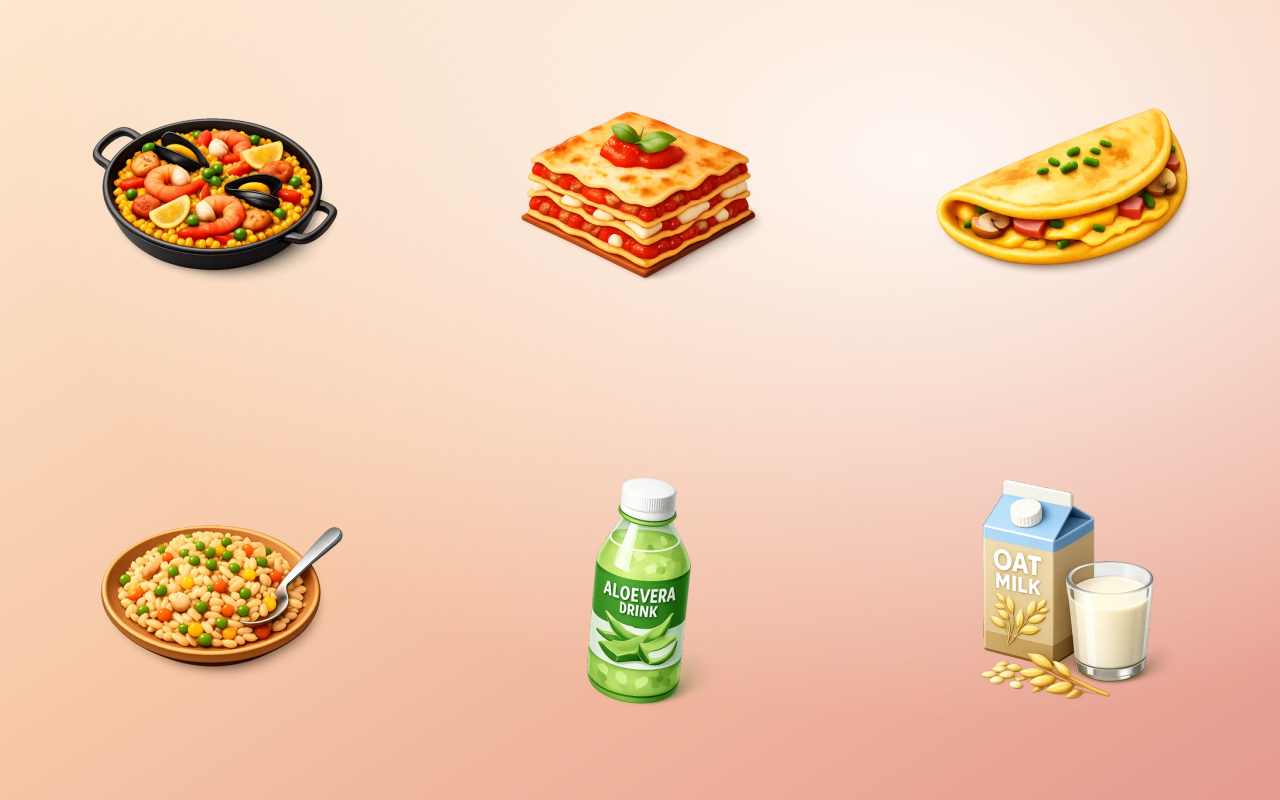
Drag the handle across the image. The right-hand side is this tool's output, not a mock-up of it.
- Before
- Square corners
- After
- Rounded
Three steps
How to use the rounded corners
- 01
Add your image
Drop in the image whose corners you want softened.
- 02
Set the radius
Slide from a slight softening to a full pill or circle, with a live preview.
- 03
Save as PNG or WebP
The cut corners are transparent, so the format has to support an alpha channel.
Why this one
What makes it different
Real transparency at the corners
The corners are cut to alpha rather than filled, so the image sits on any background colour without a visible square.
Radius you can see as you set it
Corner radius is entirely a judgement call, so it is a live preview rather than a number you guess and re-export.
Baked in, so it survives
A CSS radius disappears the moment the image is used somewhere without your stylesheet. Baking it into the file means it travels.
How this tool handles your files
- Where it runs
- Your browser, not a server
- Uploads
- None, ever
- Account
- Not required
- Watermark
- Never added
The short version
About rounded corners
Rounded corners are the most quietly load-bearing detail in modern interface design, and the moment an image leaves your own page they stop being a stylesheet property and start being something the file has to carry itself. Emails, decks, marketplaces and app previews all show your image exactly as it was saved, which is when a baked-in radius earns its keep.
Questions
Rounded Corners FAQ
Why not just use CSS border-radius?
Use CSS when you control the page. Bake it into the file when you do not: an email client, a slide deck, a marketplace listing or an app that shows your image raw will ignore your stylesheet entirely.
Why are my rounded corners white instead of transparent?
The file was saved as JPG, which has no alpha channel and fills the cut area with white. Export as PNG or WebP.
What radius should I use?
Between two and five percent of the image width reads as a soft modern corner. Beyond about fifteen percent it starts to read as a deliberate pill shape rather than a subtle rounding.
Does the radius scale if I resize the image later?
No. It is baked into the pixels, so resizing scales the visible corner with everything else. Round after resizing if you need an exact corner size.






Free, and staying free
The tools are free because the icons are the business.
Thridy is a library of thousands of 3D icons in one consistent style, free for commercial use with a credit to Thridy, and no account needed. The tools exist so you never have to upload an image to somebody else's server to resize it.
Keep going
More image tools

Image Resizer
Resize to exact dimensions or a preset for any platform.

Image Cropper
Crop freehand or lock to a ratio like 1:1 and 16:9.

Circle Crop
Cut an image into a perfect circle with transparent corners.

Rotate Image
Turn an image by 90 degrees or any custom angle.

Flip Image
Mirror an image horizontally or vertically.

Add Border
Frame an image with a solid border in any colour.